
Podcasting is one of the most powerful ways to build authority and reach new customers. For businesses, a podcast can generate leads, build trust, and turn strangers into paying clients.
In this guide, we’ll show you how to start a podcast for business step by step — from planning your first episode to publishing on all major platforms. Everything you need to launch in 2026.
Why Businesses Should Podcast
Podcasting isn’t just for entertainers. For businesses, it solves four key problems:
- Builds authority — Guests and listeners see you as an expert.
- Generates leads — Podcast listeners are high-intent buyers.
- Cheap to produce — No cameras, no studios needed.
- Reaches new audiences — Podcast platforms have hundreds of millions of users.
Learning how to start a podcast for business takes a weekend. The payoff lasts years.
Step 1: Define Your Podcast’s Purpose
Before you buy equipment, decide what your podcast is for:
- Lead generation — Interview customers and industry leaders.
- Brand awareness — Share insights from your niche.
- Customer education — Explain how your product solves problems.
- Community building — Bring your audience together.
Your purpose determines:
- Format (interview, solo, panel, narrative)
- Episode length (10 min, 30 min, or 60 min)
- Publishing frequency (weekly, bi-weekly, monthly)
- Target audience
Step 2: Choose a Podcast Niche
Successful podcasts are specific. Not “business podcast” — but “ecommerce for Shopify store owners” or “SaaS growth for B2B founders.”
Ask yourself:
- What topics does my audience care about?
- What can I talk about for 100+ episodes?
- Where is there a gap in the market?
Tip: Pick a niche that aligns with your business. If you sell CRM software, podcast about sales. If you run a marketing agency, podcast about marketing.
Step 3: Get the Right Equipment
You don’t need expensive gear. Here’s what works:
Essential Equipment
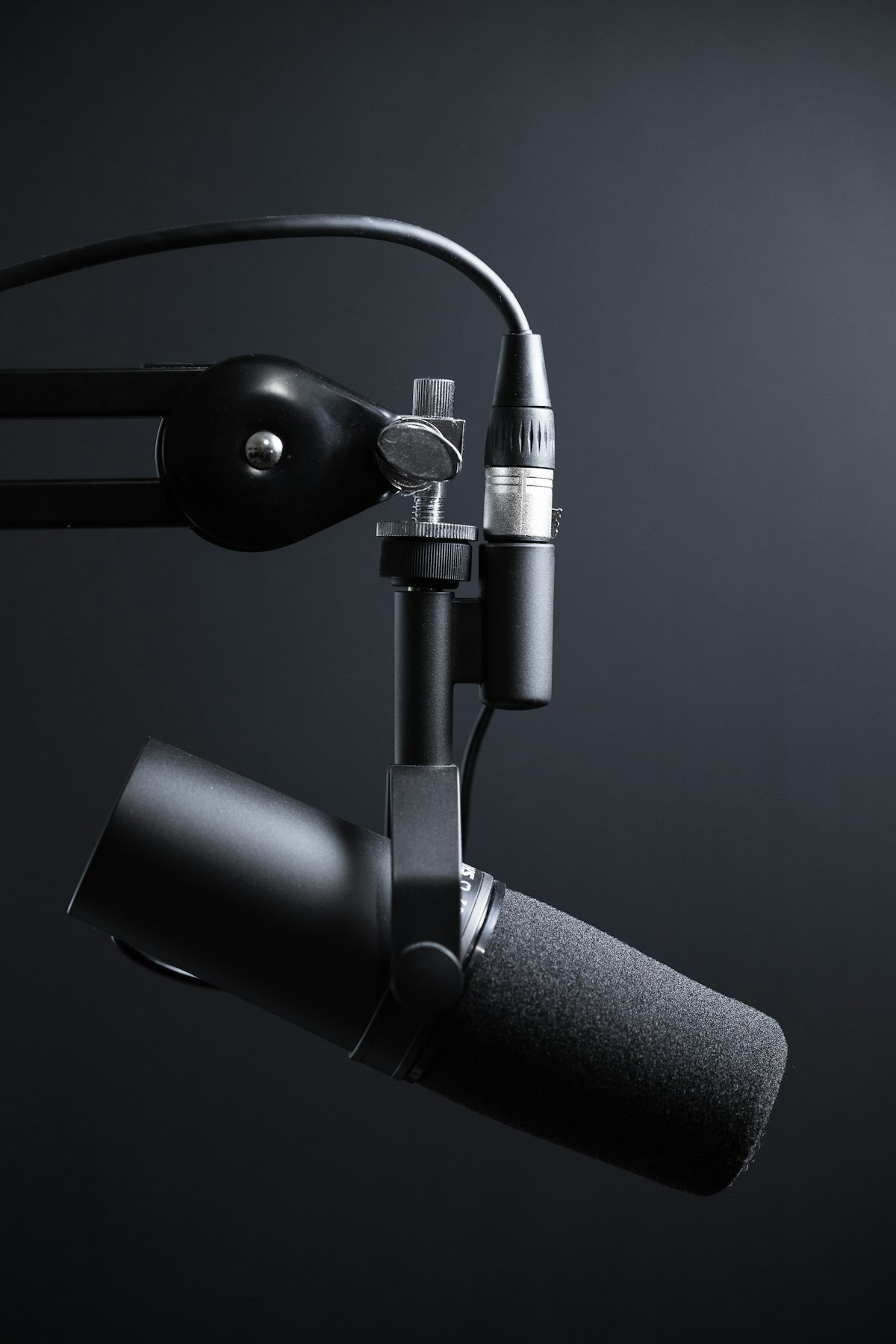
- Microphone — Audio-Technica ATR2100x ($99) or Shure MV7 ($249).
- Headphones — Sony MDR-7506 ($99) or Audio-Technica ATH-M20x ($49).
- Audio interface (if using XLR mic) — Focusrite Scarlett 2i2 ($199).
- Pop filter — Reduces plosive sounds ($15).
- Boom arm — Keeps mic off your desk ($30).
Optional Equipment
- Acoustic foam panels (for better sound quality)
- Second microphone (for interviews)
- Video camera (if you want video podcasts)
Total budget for beginners: $150–$250. You can upgrade later.
Step 4: Choose Podcast Hosting
You need a hosting platform to distribute your podcast to Apple Podcasts, Spotify, Google Podcasts, and more.
Top hosting platforms:
- Buzzsprout — Easiest for beginners ($12/month).
- Libsyn — The oldest and most trusted ($5/month).
- Transistor — Great analytics and unlimited shows ($19/month).
- Podbean — All-in-one with monetization ($9/month).
- Anchor (Spotify) — Completely free (but limited features).
Recommendation: Start with Buzzsprout or Anchor. Buzzsprout is easiest; Anchor is free.
Step 5: Record Your First Episode
Your first episode can be simple:
- Introduce yourself — Who you are and what the podcast is about.
- Explain the format — What listeners can expect each episode.
- Deliver value — Teach something useful in 5–10 minutes.
- Call to action — Tell listeners what to do next.
Recording tips:
- Record in a quiet room with soft surfaces (blankets, carpet).
- Speak naturally — don’t read from a script.
- Do a 30-second test recording first.
- Record at least 5 episodes before launching (so you have a buffer).
Step 6: Edit Your Audio
Podcast editing is easier than video editing. Tools:
- Audacity — Free, powerful, beginner-friendly.
- Descript — Edit audio by editing text ($12/month).
- Adobe Audition — Professional-grade ($22.99/month).
- GarageBand — Free on Mac.
Basic editing steps:
- Remove long pauses and “um”s.
- Normalize volume levels.
- Add intro/outro music.
- Export as MP3 (192 kbps or higher).
Step 7: Create Cover Art and Show Notes
Cover Art
Podcast cover art must be at least 1400×1400 pixels (3000×3000 is ideal). It should:
- Be simple and readable at small sizes.
- Use bold text and high contrast.
- Reflect your brand.
Tools: Canva (free), Adobe Express, or hire a designer on Fiverr ($20–$50).
Show Notes
Show notes are the episode description. Include:
- Episode summary (2–3 sentences).
- Key topics covered (bullet points).
- Guest bio (if applicable).
- Links mentioned.
- Call to action (subscribe, visit website).
Step 8: Publish to Major Platforms
Once your first episode is ready, distribute it:
- Apple Podcasts — The biggest directory (Apple Podcasts Connect).
- Spotify — Fastest-growing platform (Spotify for Podcasters).
- Google Podcasts — Now part of YouTube Music.
- Amazon Music — Growing audience.
- Stitcher, TuneIn, iHeartRadio — Additional reach.
Most hosting platforms (Buzzsprout, Transistor, Podbean) submit to all major directories automatically.
Step 9: Promote Your Podcast
Publishing isn’t enough — you need listeners.
Free Promotion
- Social media — Share clips on LinkedIn, Twitter, Instagram.
- YouTube — Upload video versions for SEO.
- Your website — Embed episodes in blog posts.
- Email list — Notify subscribers of new episodes.
- Guests — Ask them to share their episode.
Paid Promotion
- Facebook/Instagram ads — Target your ideal listener.
- Podcast ad networks — Sponsor other podcasts in your niche.
- Cross-promotion — Partner with similar podcasts.
Step 10: Monetize Your Podcast
Once you have listeners, monetization options open up:
- Sponsorships — Brands pay per episode or per 1,000 downloads.
- Affiliate marketing — Promote products you use.
- Premium content — Paid episodes or ad-free versions.
- Your own products — Courses, coaching, software.
- Consulting leads — The podcast becomes your best sales tool.
Realistic timeline:
| Month | Listeners |
|---|---|
| Month 1 | 50–200 |
| Month 3 | 200–500 |
| Month 6 | 500–2,000 |
| Month 12 | 2,000–10,000+ |
Most podcasts take 6–12 months to build real momentum. Be patient.
Common Podcast Mistakes
- Quitting after 10 episodes — Podcast growth is slow. Commit to 50+ episodes.
- Not promoting — Publishing alone doesn’t get listeners.
- Bad audio quality — Listeners forgive video quality, not audio.
- No clear niche — “Business podcast” won’t stand out.
- No consistency — Weekly or bi-weekly is best.
- Not repurposing content — Every episode = 5 social posts + 1 blog post.
Recommended Podcast Tools
| Tool | Purpose | Price |
|---|---|---|
| Buzzsprout | Podcast hosting | $12/month |
| Audacity | Audio editing | Free |
| Canva | Cover art | Free / $12.99/month |
| Descript | Text-based editing | $12/month |
| Riverside | Remote interviews | $15/month |
| Zencastr | Remote recording | Free / $20/month |
Final Thoughts on How to Start a Podcast for Business
Learning how to start a podcast for business takes one weekend of setup. The real work is consistency — publishing quality episodes week after week, month after month.
Don’t overthink the equipment or the branding. Start with what you have, refine as you go. The best podcasts evolved over time.
If you’re also building your business content, check out our guides to the best video editing software and how to build an email list.
Have questions about starting a podcast? Let us know in the comments. For more guides, check out our blog.