
If you bill clients by the hour, manage a remote team, or just want to know where your time goes, a time tracking tool is essential. Without one, you’re guessing — and guessing costs money.
In this guide, we tested the best time tracking software for small business in 2026. Below you’ll find the top 7 options that balance features, ease of use, and price — so you can pick the right one without overspending.

Why Small Businesses Need Time Tracking
Time tracking isn’t just for freelancers. For small businesses, it solves four critical problems:
- Accurate billing — Bill clients for exactly the hours you worked.
- Team visibility — See who’s working on what, and for how long.
- Project profitability — Know which projects make money and which don’t.
- Payroll accuracy — Pay hourly employees correctly.
The best time tracking software for small business solves all four — usually for a few dollars per user per month.
How We Chose the Best Time Tracking Software
We evaluated each tool based on:
- Ease of tracking — Can you start a timer in one click?
- Reporting — Detailed reports for billing, payroll, and profitability.
- Integrations — Asana, Trello, Slack, QuickBooks, and more.
- Team features — Approvals, timesheets, screenshots (optional).
- Pricing — Cost per user, per month.
1. Toggl Track — Best Overall for Small Business

Toggl Track is the gold standard for time tracking. One-click start/stop, clean reports, and a beautiful interface. The free plan supports up to 5 users with unlimited tracking — generous for small teams.
Paid plans add billable rates, project estimates, and team dashboards. Integrations with Asana, Trello, Jira, and 100+ other tools make it flexible.
Pros:
- Beautiful, simple interface
- Generous free plan (5 users)
- Works everywhere (web, desktop, mobile)
Cons:
- No screenshots on free plan
- Limited team features on lower tiers
Best for: Most small businesses and freelancers.
Pricing: Free (up to 5 users); paid from $9/user/month.
2. Clockify — Best Free Option

Clockify is the most generous free time tracking tool. It offers unlimited users and unlimited tracking — completely free, forever. Paid plans add advanced features like invoicing and scheduling.
If you’re starting out or have a small team, Clockify is unbeatable on price.
Pros:
- Unlimited free users
- Clean interface
- Detailed reports
Cons:
- Interface less polished than Toggl
- Fewer integrations on free plan
Best for: Teams that want free time tracking with no limits.
Pricing: Free; paid from $3.99/user/month.
3. Harvest — Best for Billing and Invoicing

Harvest combines time tracking with invoicing — so you can track hours and send the bill in one place. This is perfect for freelancers and agencies that bill by the hour.
Its reporting shows project profitability, team utilization, and client revenue at a glance.
Pros:
- Time tracking + invoicing in one
- Excellent reports
- Good for agencies
Cons:
- No free plan (30-day trial)
- More expensive than competitors
Best for: Freelancers and agencies that bill by the hour.
Pricing: From $12/user/month.
4. Hubstaff — Best for Remote Team Monitoring
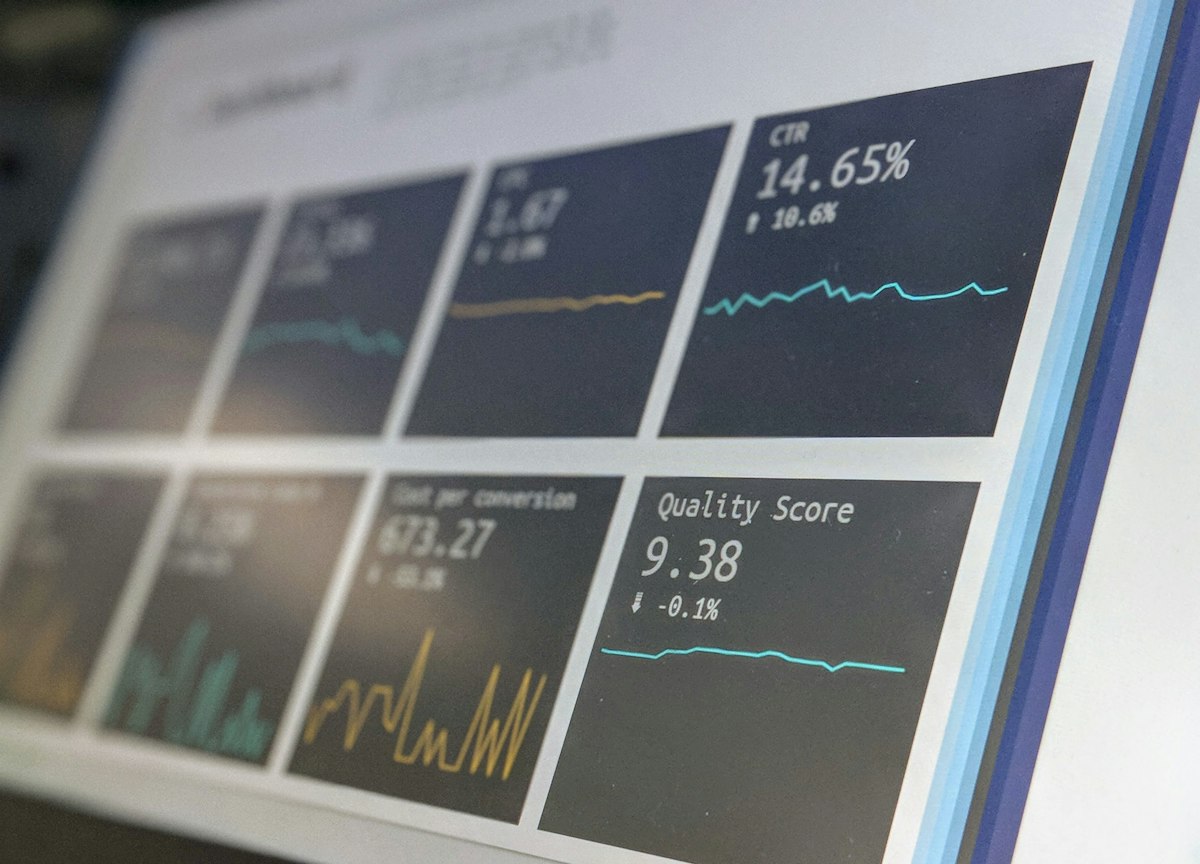
Hubstaff is designed for remote teams where monitoring matters. It offers time tracking, screenshots, activity levels, GPS tracking, and detailed reporting.
For businesses that hire contractors and need proof of work, Hubstaff is ideal. For teams that trust each other, it may feel intrusive.
Pros:
- Screenshots and activity monitoring
- GPS tracking for field teams
- Automatic payroll integration
Cons:
- Monitoring may feel intrusive
- More expensive
Best for: Remote teams with hourly contractors.
Pricing: From $7/user/month.
5. RescueTime — Best for Personal Productivity

RescueTime works differently: it runs in the background and automatically tracks what you do on your devices. You don’t start/stop timers — it just works.
This is perfect for personal productivity: see how much time you actually spend on email, social media, or focused work. For teams that don’t need hourly billing, RescueTime provides powerful insights.
Pros:
- Automatic tracking (no manual timers)
- Detailed productivity insights
- Works across devices
Cons:
- Not for client billing
- Less team-focused
Best for: Individuals focused on productivity.
Pricing: Free; Premium from $12/month.
6. Everhour — Best for Teams Using Asana or Trello

Everhour is a time tracking tool that lives inside your project management tool. If your team uses Asana, Trello, Jira, or Basecamp, Everhour adds a timer button directly in each task.
This eliminates the “switch to another tab to track time” friction that slows teams down.
Pros:
- Integrates directly with project tools
- No switching apps
- Team-focused reports
Cons:
- Only useful if you use supported PM tools
- Pricier than standalone trackers
Best for: Teams using Asana, Trello, or Jira.
Pricing: From $8.50/user/month.
7. Time Doctor — Best for Enterprises

Time Doctor is enterprise-grade time tracking. It includes screenshots, keystroke monitoring, URL tracking, and detailed productivity reports. Used by large remote companies with hundreds of contractors.
For small teams, it’s overkill. For big remote operations, it’s comprehensive.
Pros:
- Comprehensive monitoring
- Detailed productivity reports
- Scales to hundreds of users
Cons:
- Expensive
- Overkill for small teams
Best for: Large remote organizations.
Pricing: From $7/user/month.
Comparison Table: Best Time Tracking Software
| Tool | Best For | Free Plan | Starting Price |
|---|---|---|---|
| Toggl Track | Overall best | Yes (5 users) | $9/user/month |
| Clockify | Free option | Yes (unlimited) | $3.99/user/month |
| Harvest | Billing + invoicing | Trial only | $12/user/month |
| Hubstaff | Remote team monitoring | Trial only | $7/user/month |
| RescueTime | Personal productivity | Yes (limited) | $12/month |
| Everhour | Asana/Trello users | Trial only | $8.50/user/month |
| Time Doctor | Enterprises | Trial only | $7/user/month |
Which Time Tracking Software Should You Choose?
Here’s our quick recommendation:
- Overall best for small business? → Toggl Track.
- Want free with no limits? → Clockify.
- Need invoicing too? → Harvest.
- Managing remote contractors? → Hubstaff.
- Just want personal insights? → RescueTime.
- Use Asana or Trello? → Everhour.
- Large remote operation? → Time Doctor.
If you’re also evaluating other business software, check out our guides to the best project management software for remote teams and the best free invoicing software for freelancers.
Final Thoughts on Time Tracking Software
The best time tracking software for small business is the one your team will actually use. Toggl Track and Clockify are excellent starting points — one for polish, one for price. If you bill by the hour, Harvest combines tracking and invoicing in one tool. For remote teams with contractors, Hubstaff adds monitoring.
Start with a free plan, upgrade only when you outgrow it. Most small teams can run effectively on free time tracking tools for the first year.
Which time tracking tool does your business use? Let us know in the comments. For more software reviews, check out our blog.
Pingback: Best HR Software for Small Business in 2026: Top 7 Picks