
For decades, the word “automation” conjured images of massive factories, robotic arms welding cars, and rows of machines operating without a single human in sight. While that is partly true, the reality of industrial automation is far more nuanced, accessible, and vital to modern business.
Whether you are a student of electrical engineering, a factory manager looking to modernize, or a tech enthusiast curious about how the physical world is controlled by software, understanding the basics is crucial.
In this comprehensive guide, we will break down the fundamentals of industrial automation. We’ll explore the architecture, the core components (like PLCs and sensors), and the different types of automation systems. By the end, you will have a solid foundation to explore this fascinating field.
What is Industrial Automation?
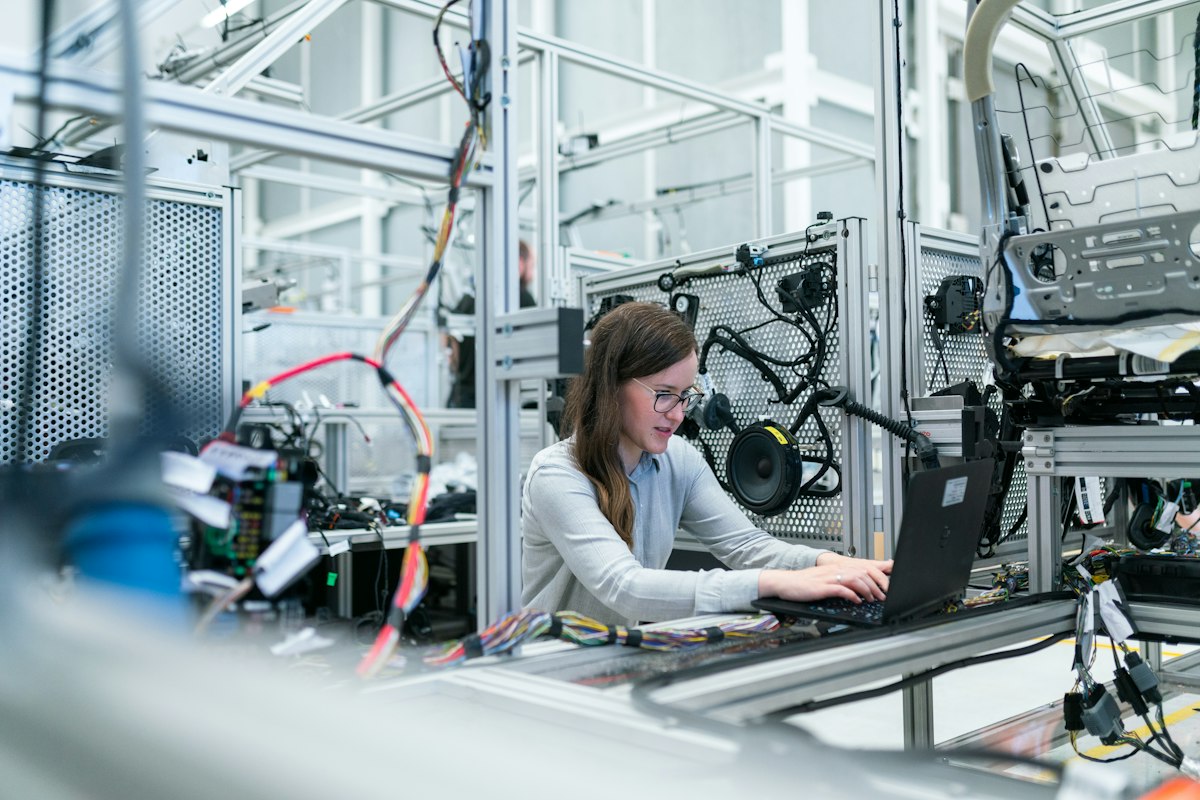
At its core, industrial automation is the use of control systems—such as computers, robots, and information technologies—to handle different processes and machinery in an industry to replace a human being.
It is the second step beyond mechanization. While mechanization provides human operators with machinery to assist them with the muscular requirements of work, automation greatly decreases the need for human sensory and mental requirements as well.
Automation plays an increasingly important role in the global economy and in daily experience. Engineers strive to combine automated devices with mathematical and organizational tools to create complex systems for a rapidly expanding range of applications.
The Architecture of Automation Systems
To understand how automation works, you need to visualize the architecture. It generally follows a hierarchical model, moving from the physical machines up to the management level.
1. The Field Level (Sensors and Actuators)
This is where the physical action happens. Sensors measure physical properties (temperature, pressure, position), and actuators (motors, valves, pistons) perform the physical work.
2. The Control Level (PLCs and Microcontrollers)
This is the “brain” of the operation. Programmable Logic Controllers (PLCs) or microcontrollers receive data from sensors, process it according to a programmed logic, and send commands to actuators.
3. The Supervisory Level (HMI and SCADA)
Human-Machine Interfaces (HMIs) allow operators to monitor and control the process. SCADA (Supervisory Control and Data Acquisition) systems collect data from multiple PLCs across a large facility.
4. The Enterprise Level (ERP and MES)
At the top, data is integrated into Enterprise Resource Planning (ERP) systems to manage overall business operations, inventory, and supply chain.
Types of Automation: Fixed, Programmable, and Flexible
Not all automation is created equal. Depending on the production volume and variety, industries use different types of automation.
Fixed Automation (Hard Automation)
This is used for high-volume, repetitive production. The equipment is designed specifically for one task and is very difficult to change. Examples include transfer lines in automotive manufacturing. It offers high efficiency and low unit cost but lacks flexibility.
Programmable Automation
Here, the equipment is designed to accommodate a specific class of product changes. It requires reprogramming for each new product. Examples include CNC machines and industrial robots. It’s ideal for batch production.
Flexible Automation
This is an extension of programmable automation. The system can produce a variety of products with virtually no changeover time. It’s highly versatile but typically requires a high initial investment. Examples include Flexible Manufacturing Systems (FMS) and Computer Integrated Manufacturing (CIM).

The Brains of the Operation: The Evolution from Relays to PLCs
Before the invention of the PLC, automation was controlled by thousands of electromechanical relays and timers. If a factory wanted to change a production line, an electrician had to physically rewire massive panels. It was a nightmare.
The PLC (Programmable Logic Controller) revolutionized the industry. It replaced hardwiring with software. Now, engineers could write a program to control the logic. If a change was needed, they simply plugged in a laptop and updated the code.
Modern PLCs (like those from Allen-Bradley or Siemens) are robust, reliable, and can withstand harsh factory environments. If you want to dive deeper into the software side, you might find our guide on managing engineering projects useful.
Key Components in Automation: Sensors and Actuators
Sensors: The Eyes and Ears
Sensors convert physical variables into electrical signals. There are numerous types, including:
- Proximity Sensors: Detect the presence of objects without physical contact.
- Photoelectric Sensors: Use light beams to detect objects (often used in conveyor belts).
- Temperature Sensors (Thermocouples/RTDs): Measure heat in industrial processes.
Actuators: The Muscles
Actuators take the electrical signals and convert them back into physical action. They include:
- Electric Motors (AC/DC): Used for continuous motion.
- Stepper Motors: Used for precise positioning.
- Pneumatic Cylinders: Use compressed air for linear motion, very common in packaging.
- Hydraulic Actuators: Used for heavy lifting and high force applications.
Industrial Control Systems: DDC and DCS
When the process requires controlling multiple variables (like temperature, pressure, and flow simultaneously), advanced systems are used. Two common architectures are DDC and DCS.
Direct Digital Control (DDC)
In a DDC system, a single central computer (like a microcomputer or PLC) controls the process directly. The computer reads the sensors and sends commands to the actuators in a continuous loop. This is common in smaller setups or specific process control applications.
Distributed Control System (DCS)
As the facility grows, a single computer isn’t enough. A DCS distributes the control across multiple controllers situated throughout the plant, all connected via a local area network (LAN). This provides higher reliability (if one controller fails, the rest continue working) and better scalability.
Why Automate? The Benefits and the Risks
Automation is expensive, so why do businesses invest in it?
The Benefits
- Increased Productivity: Machines don’t need breaks, sleep, or weekends.
- Consistency and Quality: Automated systems produce the exact same result every time, reducing human error.
- Safety: Robots can handle dangerous, toxic, or heavy materials in hazardous environments.
- Data Collection: Sensors collect vast amounts of data, enabling better decision-making and predictive maintenance.
The Challenges
- High Initial Cost: The equipment and software are expensive to purchase and implement.
- Need for Skilled Labor: You need engineers and technicians to program and maintain the systems.
- Job Displacement: While it creates new jobs (programmers, technicians), it reduces the need for manual labor.
The Future: Industry 4.0 and IoT
Automation is no longer just about machines doing work. It’s about machines communicating with each other. This is the era of Industry 4.0 and the Industrial Internet of Things (IIoT).
By connecting machines to the cloud, manufacturers can monitor performance in real-time from anywhere in the world. Predictive maintenance algorithms can predict when a machine is about to break down before it actually does, saving millions in downtime.
If you’re building a modern tech operation, check out our guide on the best accounting software to keep your costs in check.
Conclusion (Part 1)
Understanding industrial automation basics is the first step toward mastering modern manufacturing. From the sensors that monitor the physical world to the PLCs that think and act, every component plays a vital role.
In Part 2 of this series, we will dive deeper into the specific programming languages used in PLCs (Ladder Logic, Function Block Diagram) and explore how to integrate these systems with the web.
Have questions about industrial automation? Let us know in the comments below!