
Video is no longer optional for small businesses. Whether you’re creating product demos, social media reels, or YouTube content, video drives more engagement than any other format.
In this guide, we tested the best video editing software for small business in 2026. Below you’ll find the top 7 options that balance features, ease of use, and price — so you can start creating professional videos without a Hollywood budget.
Why Small Businesses Need Video Editing Software
Video content drives results. For small businesses, video:
- Boosts engagement — Video gets 12x more shares than text and images combined.
- Improves conversions — Landing pages with video convert 80% better.
- Builds trust — Customers feel they know you before they buy.
- Ranks in search — YouTube is the #2 search engine after Google.
The best video editing software for small business makes professional videos possible — without a film degree.
How We Chose the Best Video Editing Software
We evaluated each tool based on:
- Ease of use — Can a beginner make a video in an hour?
- Features — Transitions, effects, captions, color grading.
- Performance — Does it run smoothly on normal computers?
- Export options — Resolution, formats, social media presets.
- Pricing — One-time purchase or subscription.
1. DaVinci Resolve — Best Free Professional Editor
DaVinci Resolve is used by professional Hollywood editors — and it’s free. The free version includes everything a small business needs: editing, color grading, audio mixing, and visual effects.
The paid Studio version ($295 one-time) adds advanced features, but for most small businesses, the free version is enough.
Pros:
- Professional-grade, completely free
- Best color grading available
- One-time purchase for Studio ($295)
Cons:
- Steep learning curve
- Requires powerful computer
Best for: Businesses that want professional quality on a budget.
Pricing: Free; Studio $295 one-time.
2. Adobe Premiere Pro — Industry Standard
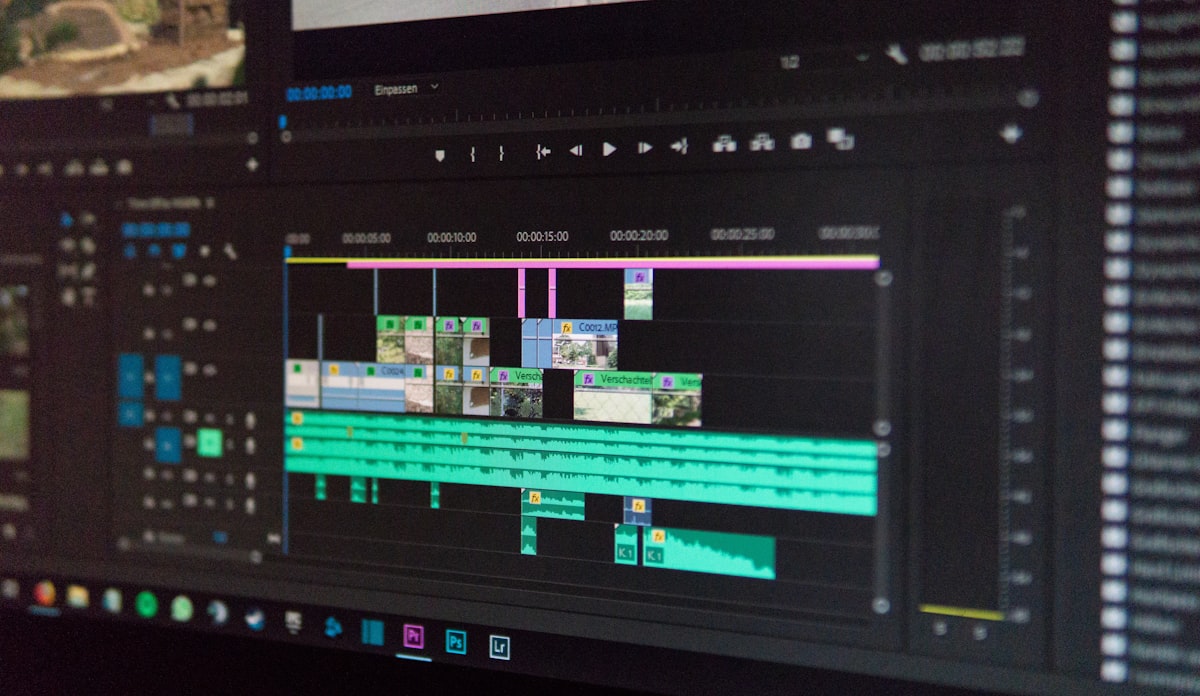
Adobe Premiere Pro is the industry standard for professional video editing. It’s used by YouTubers, filmmakers, and agencies worldwide.
Integrated with Adobe Creative Cloud (After Effects, Photoshop, Illustrator), Premiere is part of the most powerful creative suite available.
Pros:
- Industry standard
- Integrates with other Adobe apps
- Huge library of plugins and tutorials
Cons:
- Subscription only ($22.99/month)
- Steep learning curve
Best for: Professional video editors and agencies.
Pricing: $22.99/month (single app) or $59.99/month (Creative Cloud).
3. CapCut — Best for Social Media Video

CapCut is built for TikTok, Instagram Reels, and YouTube Shorts. Its auto-captions, templates, and effects make it fast to create viral-style videos.
Best of all — it’s free (paid Pro adds extra features).
Pros:
- Free (with Pro upgrade)
- Perfect for short-form video
- Auto-captions and templates
Cons:
- Less powerful for long-form content
- Owned by ByteDance (TikTok)
Best for: Social media managers creating short-form video.
Pricing: Free; Pro from $7.99/month.
4. Filmora — Best for Beginners

Filmora is designed for beginners who want professional results without a steep learning curve. Drag-and-drop interface, huge effects library, and excellent templates make it easy to create polished videos.
One-time purchase or annual subscription — no Adobe-level pricing.
Pros:
- Easiest for beginners
- Great effects and templates
- One-time purchase option
Cons:
- Less powerful than Premiere
- Watermark on free trial
Best for: Beginners and small businesses new to video.
Pricing: From $49.99/year or $79.99 one-time.
5. Camtasia — Best for Tutorials and Courses

Camtasia is the go-to tool for creating tutorials, courses, and product demos. It combines screen recording with video editing in one tool — perfect for SaaS, education, and coaching businesses.
Pros:
- Screen recording + editing in one
- Great for tutorials and courses
- One-time purchase
Cons:
- Not for general video editing
- More expensive than other beginner tools
Best for: SaaS, education, and coaching businesses.
Pricing: $299.99 one-time.
6. Final Cut Pro — Best for Mac Users

Final Cut Pro is Apple’s professional video editor — optimized for Mac hardware. Its Magnetic Timeline is faster than traditional timeline editing once you learn it.
One-time purchase, no subscription — a rarity in professional software.
Pros:
- Optimized for Mac
- One-time purchase ($299)
- Extremely fast on Apple Silicon
Cons:
- Mac only
- Different workflow from Premiere
Best for: Mac users who want professional editing.
Pricing: $299.99 one-time.
7. InVideo — Best AI-Powered Tool

InVideo is an AI-powered video tool that generates videos from text prompts. Describe what you want, and InVideo creates a video with stock footage, voiceover, and captions.
Perfect for businesses that need to publish daily video content without editing skills.
Pros:
- AI-generated videos from text
- Huge stock library
- Great for social media
Cons:
- Less control than manual editors
- Templates can feel generic
Best for: Businesses producing high-volume short-form content.
Pricing: Free; paid from $20/month.
Comparison Table: Best Video Editing Software
| Tool | Best For | Free? | Starting Price |
|---|---|---|---|
| DaVinci Resolve | Professional (free) | Yes | Free / $295 one-time |
| Adobe Premiere Pro | Industry standard | No | $22.99/month |
| CapCut | Short-form social | Yes | Free / $7.99/month |
| Filmora | Beginners | Trial | $49.99/year |
| Camtasia | Tutorials and courses | No | $299.99 one-time |
| Final Cut Pro | Mac users | No | $299.99 one-time |
| InVideo | AI-generated video | Yes (watermark) | $20/month |
Which Video Editing Software Should You Choose?
Here’s our quick recommendation:
- Want professional quality for free? → DaVinci Resolve.
- Industry-standard career tool? → Adobe Premiere Pro.
- Short-form social media? → CapCut.
- Complete beginner? → Filmora.
- Create tutorials and courses? → Camtasia.
- Mac user who wants pro tools? → Final Cut Pro.
- High-volume AI content? → InVideo.
If you’re also building your business online, check out our guides to the best social media management tools and the best email marketing tools for small business.
Final Thoughts on Video Editing Software
The best video editing software for small business depends on your needs. DaVinci Resolve is our top free pick — it’s genuinely professional-grade. Filmora is ideal for beginners, and CapCut dominates for short-form social content. If you’re willing to invest, Premiere Pro remains the industry standard.
Whatever you choose, the most important thing is to start creating. Perfect video is the enemy of published video.
Which video editing software does your business use? Let us know in the comments. For more software reviews, check out our blog.